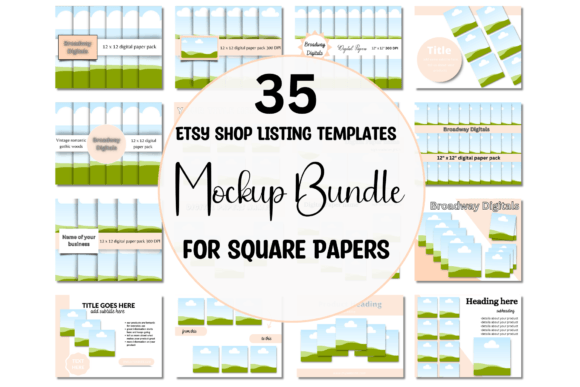
Showcase Your Art: 35 Product Templates for Square Papers
You have spent countless hours perfecting the patterns, textures, and colors of your digital papers. It is a labor of love, but the gap between a finished design file and a sold product is often filled with the tedious work of marketing. Creating mockups and advertisements from scratch is a significant time sink, pulling you away from the creative work you actually want to do. This is where a focused set of design assets becomes not just a convenience, but a core part of a sustainable creative business.
A Practical Toolkit for Digital Product Sellers
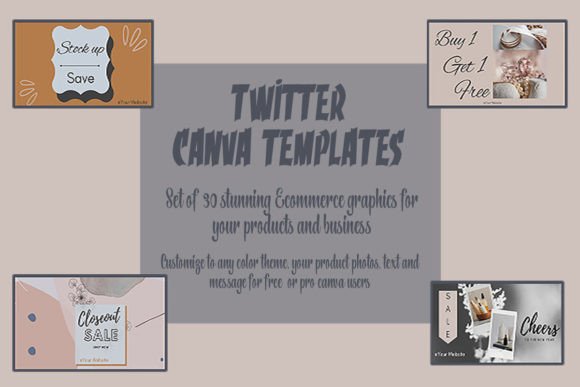
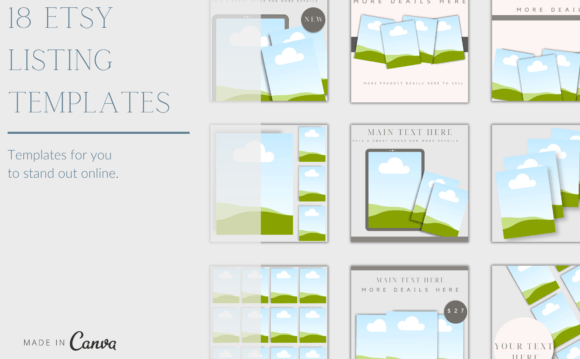
The 35 Product Templates for Square Papers and the accompanying 35 mockup templates are built for this exact purpose. They are not generic social media posts; they are purpose-built tools for displaying square digital papers in a way that looks professional and appealing. The visual style leans towards clean, modern layouts that put your artwork first. The templates provide structure without competing with your designs, using balanced compositions, ample negative space, and clear areas for product titles and descriptions. The personality is one of efficiency and clarity, designed to make your product the hero of the image.
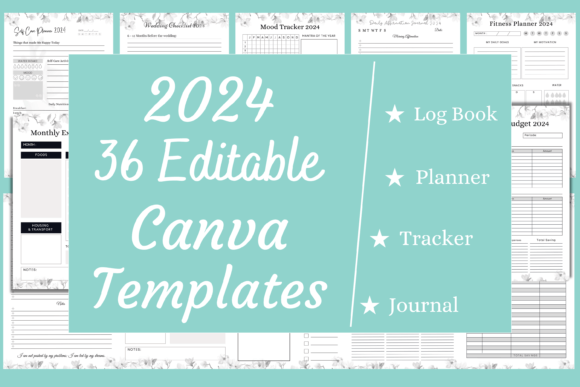
Using these templates in Canva is straightforward. You can work with a free or Pro account. Every element is editable. This means you can change the font type, color, and size to match your brand's typography. You can alter background colors, swap out any included background images, and add elements from Canva's library to customize the scene. This level of control is crucial for maintaining a consistent brand identity across your entire shop and marketing channels. When you are done, saving as a JPG or PNG gives you a high-quality image ready to upload.
Building a Cohesive Brand Identity
Consistency is the bedrock of recognition. When a potential customer sees your product images on Etsy, your website, or Instagram, a unified look builds trust and professionalism. These templates help you achieve that. By using the same set of layouts, you create a visual system. Your shop starts to look curated, not chaotic. This consistency influences brand perception directly. It signals that you are a serious creator who pays attention to detail, which can justify your pricing and encourage customer loyalty.
The practical applications extend beyond simple product listings. Use them to create:
- Social media graphics for new product launches or sales.
- Blog post images that feature your papers in use.
- Email newsletter headers to announce new collections.
- Pinterest pins designed to drive traffic back to your shop.
Each use case reinforces your brand's visual language, making your work instantly recognizable in a crowded marketplace.
Evaluating Fit and Making It Your Own
Choosing the right template is about more than just liking the preview. Consider the specific square paper you are showcasing. A bold, geometric pattern might work best with a template that has a simple, solid-colored frame. A delicate, floral watercolor paper might benefit from a mockup that places it on a textured surface like wood or fabric. Test different pairings. The goal is to create a scene that tells a small story about how the paper could be used—in a scrapbook, as digital stationery, or as part of a larger graphic design project.
Think about your font pairing within the template. If your brand uses a modern sans serif font for its logo, you might choose a clean, complementary sans serif for the product title in the template. Alternatively, a script font or handwritten font could add a personal, crafty touch that resonates with your audience of designers, crafters, and hobbyists. The key is to ensure readability. The text should support the image, not distract from it. Always preview your final design at the size it will be displayed online to check that all text is legible.
From Template to Sale: The Workflow Advantage
The real value of these design assets is measured in reclaimed time. Instead of spending an hour setting up a single product photo, you can have a dozen variations ready in minutes. This efficiency allows you to market more products, test different presentations, and keep your shop looking fresh. For the entrepreneur, blogger, or small business owner, that saved time translates directly into capacity for creation, customer service, or strategic planning.
Ultimately, these templates are a bridge. They connect the beautiful digital papers you create with the audience that needs to see them. They handle the technical and aesthetic challenge of presentation, so you can focus on what you do best: designing. By investing in a toolkit that streamlines your marketing, you are investing in the growth and sustainability of your creative business. You move from being solely a creator to being a creator who effectively reaches their market.